Why Users Leave Your Website in 5 Seconds (And How to Fix It
Posted On: April 15, 2026
Reading Time: 5 min read
Share:


Keep Up with Marketing Trends
Get the weekly newsletter

You open a website…
It looks okay… but something feels off.
Within seconds – you leave.
This is exactly what your users are doing too.
In fact, most visitors decide whether to stay or leave your website in just a few seconds.
Let’s understand why this happens – and more importantly, how you can fix it.
1. Your Website Is Slow
Nobody likes waiting.
If your website takes more than a few seconds to load, users leave before even seeing your content.
Keypoints: First impression = speed. You don’t get a second chance.
Tip: Google’s Core Web Vitals recommends your page loads in under 2.5 seconds. Use PageSpeed Insights to test yours for free.
How to fix it:
- Compress images
- Avoid heavy animations
- Use fast hosting
2. Your Message Is Not Clear
When someone lands on your site, they should instantly understand:
- What you do
- Who it’s for
- What they should do next
Keypoints: If they have to “figure it out,” they won’t
How to fix it:
- Use a clear headline
- Keep it simple and direct
- Avoid unnecessary text
3. Too Much Clutter

Too many elements = too much confusion.
Popups, banners, animations, and crowded layouts can overwhelm users.
Keypoints: Confused users don’t convert — they leave.
How to fix it:
- Keep layout clean
- Focus on one main goal per page
- Remove unnecessary elements
4. Poor Mobile Experience
Most users visit websites on their phones.
If your website:
- Doesn’t fit properly
- Has tiny text
- Is hard to navigate
Keypoints: A website that’s hard to use on mobile is a website that’s losing leads every day.
How to fix it:
- Make your design responsive
- Use readable font sizes
- Test on different devices
5. No Clear Call-To-Action (CTA)
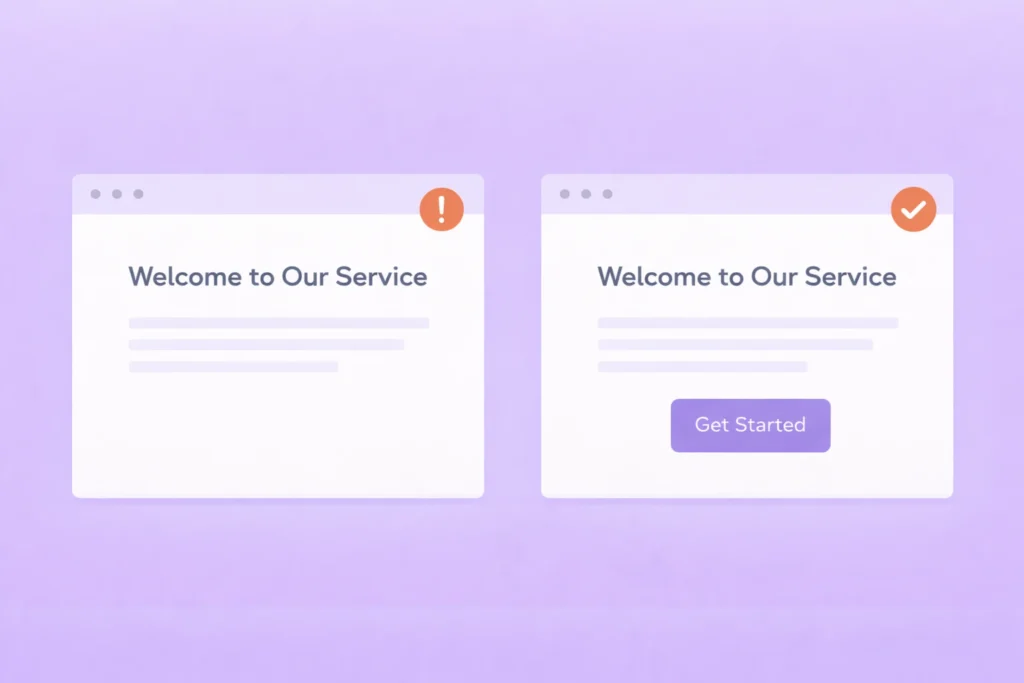
Users need direction.
If your website doesn’t tell them what to do next, they won’t take action.
Keypoints: No CTA = no conversion. Period
How to fix it:
Use clear CTAs like:
- “Get Started”
- “Contact Us”
- “Book a Free Call”
6. Lack of Trust
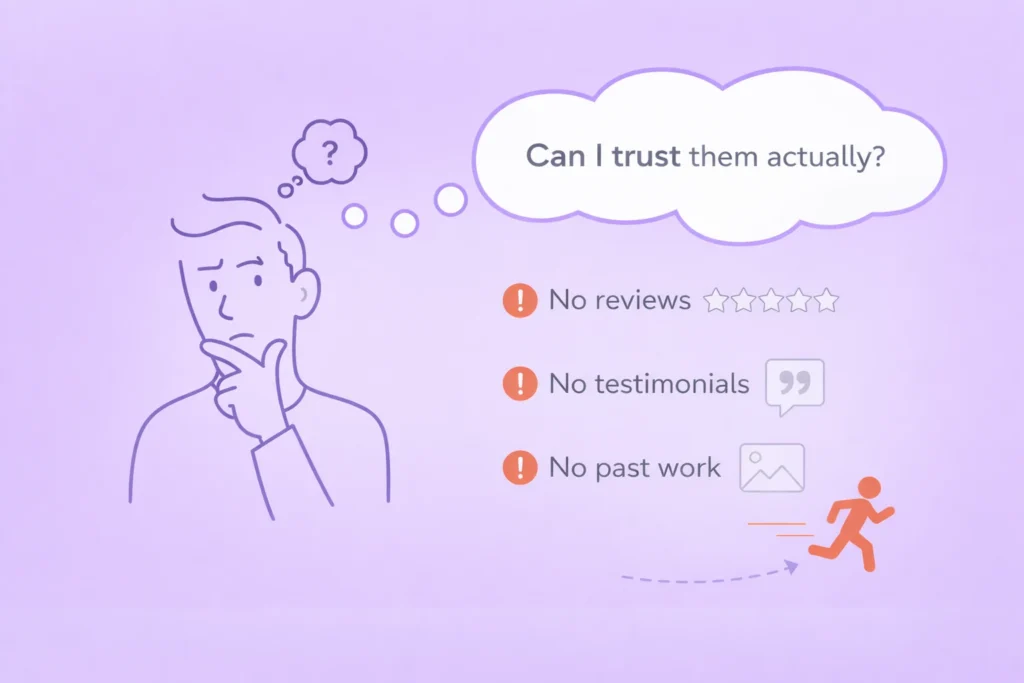
People don’t trust easily.
If your website doesn’t show:
- Reviews
- Testimonials
- Past work
👉 Users hesitate and leave.
“92% of consumers read online reviews before making a purchase decision.”— BrightLocal Consumer Review Survey
Keypoints: Your past results are your strongest sales tool — show them.
How to fix it:
- Add testimonials
- Show your work
- Include real results
7. Too Many Steps
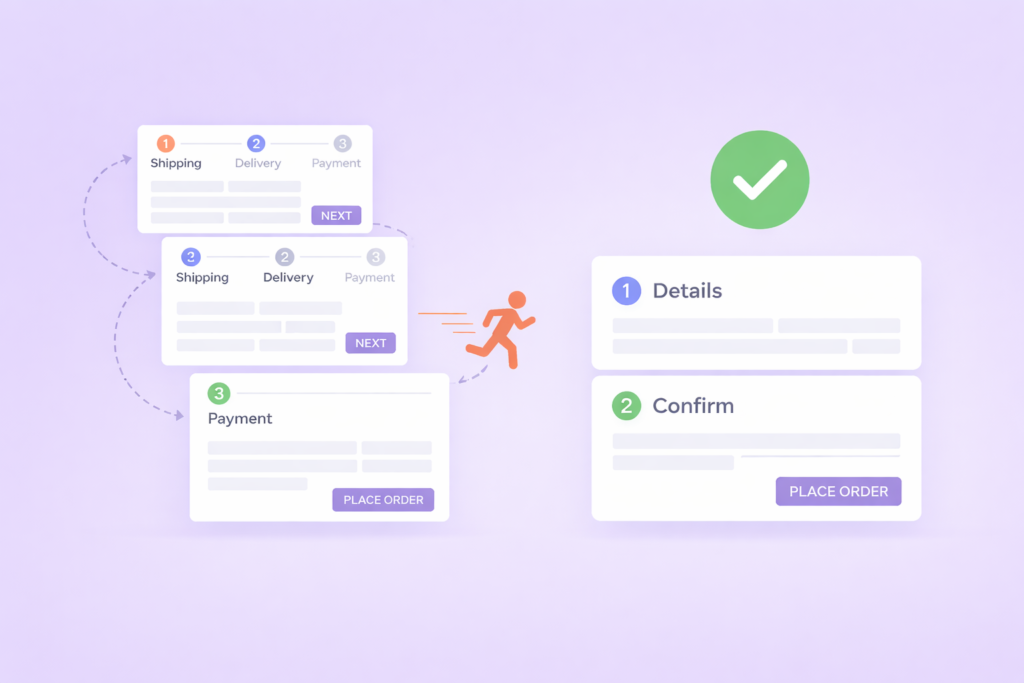
The more effort required, the faster users leave.
Simple rule: fewer steps = better experience.
How to fix it:
- Simplify navigation
- Reduce form fields
- Make actions quick and easy
Final Thoughts
Users don’t leave your website randomly.
They leave because something feels slow, confusing, or difficult.
Good UX is not about making things look good –
it’s about making things easy.
Is your website losing visitors before they even see what you offer?
Let’s fix it — starting today.
Frequently
Asked Questions!
What is a good bounce rate for a website?
A bounce rate between 26% – 55% is generally considered healthy for most websites. Anything above 70% signals a problem, users are landing and leaving without taking any action. That said, context matters: a blog post naturally has a higher bounce rate than a product or service page. Track yours in Google Analytics and look for trends over time rather than obsessing over a single number.
How do I know why users are leaving my website?
Use a combination of tools: Google Analytics shows you which pages have high exit rates, while Hotjar or Microsoft Clarity lets you watch actual session recordings and heatmaps. You’ll quickly see where users drop off, what they click, and what they ignore. Both tools have free plans, there’s no excuse not to use them.
How fast should my website load?
Google recommends your Largest Contentful Paint (LCP) the time it takes for the main content to appear should be under 2.5 seconds. For mobile users on average connections, aim for even faster. Every 1-second delay in load time can reduce conversions by up to 7%. Test your site at PageSpeed Insights (pagespeed.web.dev) to get a score and specific fix recommendations.
Does a bad mobile experience affect my Google ranking?
Yes — directly. Google uses mobile-first indexing, which means it primarily uses the mobile version of your website to determine your search rankings. If your site is hard to use on phones, Google will rank it lower, meaning fewer people find you in the first place. A poor mobile experience hurts both your UX and your SEO at the same time.
What is the most common reason users leave a website?
Slow loading speed is consistently the number one reason. But close behind it is a lack of clarity, users can’t figure out what the business does or what they should do next. In most cases, fixing just these two issues (speed + clear messaging) will noticeably reduce your bounce rate within weeks.
Can I fix these UX issues myself or do I need a developer?
Some fixes are DIY-friendly: compressing images, rewriting your headline, simplifying navigation, or adding testimonials can all be done without technical skills. However, issues like page speed optimisation, responsive design, or Core Web Vitals often need a developer or agency. If your site is on WordPress or Webflow, many fixes can be made through settings panels without touching code.
How many CTAs should a page have?
Ideally, one primary CTA per page, but it can appear multiple times (top, middle, and bottom). Having two or three competing CTAs confuses users and splits their attention. Decide on the single most important action you want visitors to take on each page, and build everything around guiding them toward it.