Why Your Website Isn’t Converting Visitors into Clients (And How to Fix It)?
Posted On: April 17, 2026
Reading Time: 3 min read
Share:


Keep Up with Marketing Trends
Get the weekly newsletter
Table of Contents
- 1. Make Your First Impression Clear
- 2. Focus on One Goal at a Time
- 3. Use Clear and Strong CTAs
- 4. Build Trust Before Asking for Action
- 5. Keep Your Design Simple and Clean
- 6. Make It Fast and Mobile-Friendly
- 7. Guide the User Step-by-Step
- Quick Conversion Checklist
- Your website should work as hard as you do.
- Frequently Asked Questions!
- About Author
Getting people to visit your website is one thing.
Getting them to take action – that’s what really matters.
If your website isn’t bringing leads or clients, it’s not doing its job.
Let’s break down how to design a website that actually converts – in a simple, practical way.
1. Make Your First Impression Clear
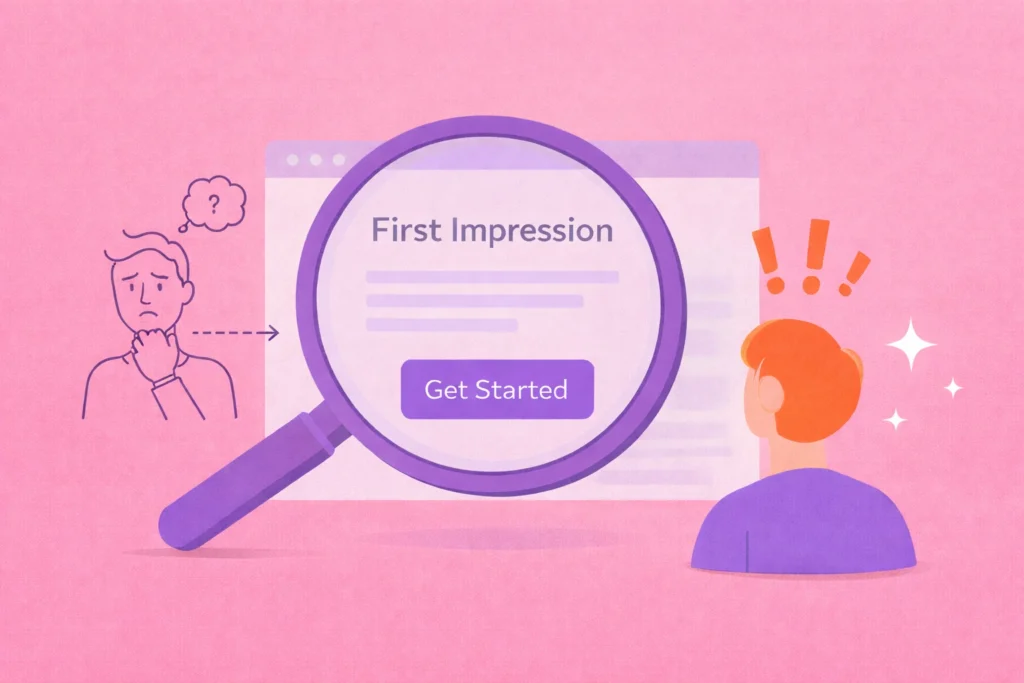
When someone lands on your website, they should instantly understand:
- What you do
- Who it’s for
- What they should do next
If this is not clear in the first few seconds, users leave.
What to do:
- Use a strong, simple headline
- Add a short supporting line
- Keep it direct and easy to understand
2. Focus on One Goal at a Time

Trying to do too many things on one page confuses users.
Keypoints: One page = one goal
Examples:
- Homepage → Guide users
- Landing page → Get leads
- Service page → Explain + convert
What to do:
- Remove unnecessary elements
- Highlight one main action
3. Use Clear and Strong CTAs
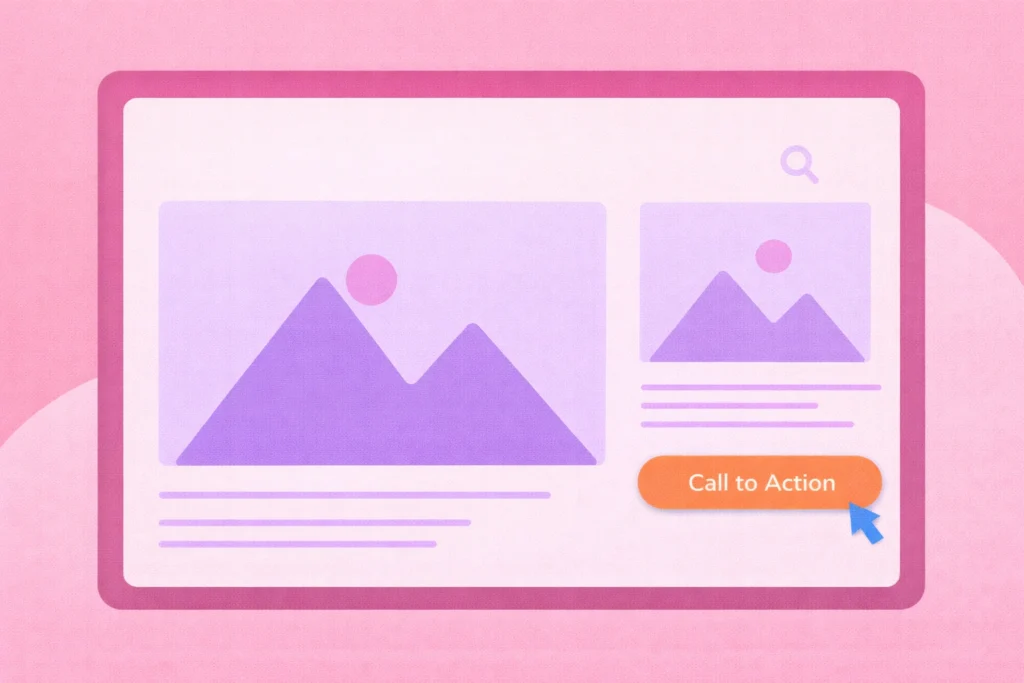
Your Call-To-Action (CTA) is where conversion happens.
Callout:If your CTA is weak, users won’t act.
Avoid:
- “Click here”
- “Learn more”
Use:
- “Book a Free Call”
- “Get a Quote”
- “Start Your Project”
Keypoint: Make it clear, visible, and action-focused.
4. Build Trust Before Asking for Action
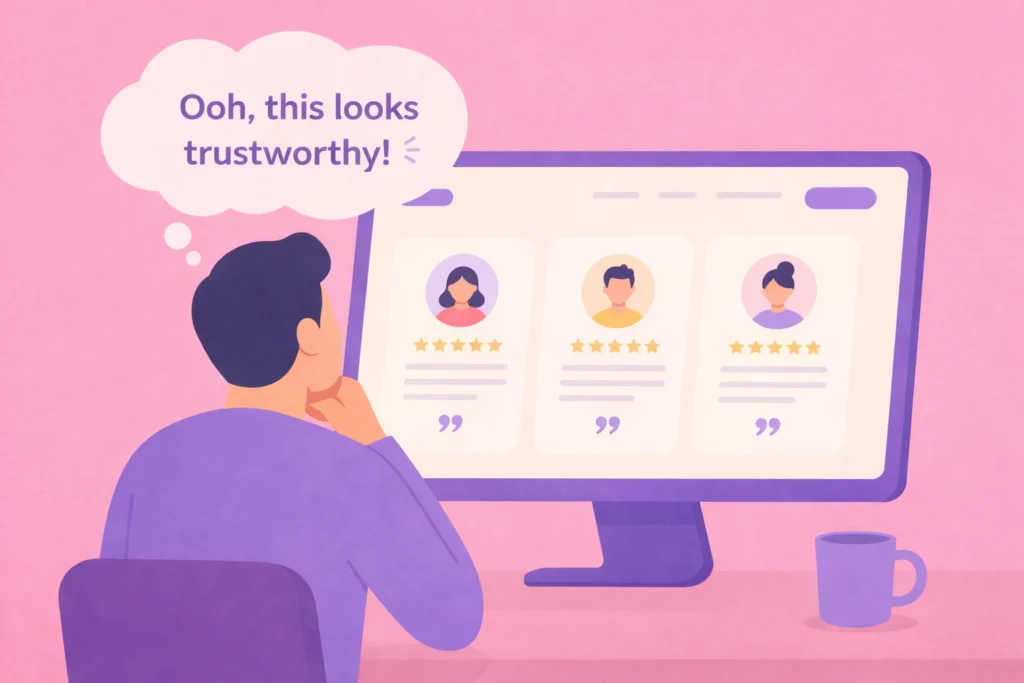
Users don’t convert if they don’t trust you.
Trust is a key part of conversion.
What to add:
- Testimonials
- Client logos
- Case studies
- Real results
Keypoint :Show proof, not just claims.
5. Keep Your Design Simple and Clean
A clean design helps users focus on what matters.
Too much clutter = confusion = drop-off
What to do:
- Use whitespace properly
- Limit colors and fonts
- Keep layout simple
Keypoint: Simplicity improves clarity – and clarity improves conversions.
This is where UX/UI design plays a crucial role, from structuring content to guiding users smoothly through the experience. If you’re looking to improve how your website performs, you can explore our UX/UI services.
6. Make It Fast and Mobile-Friendly
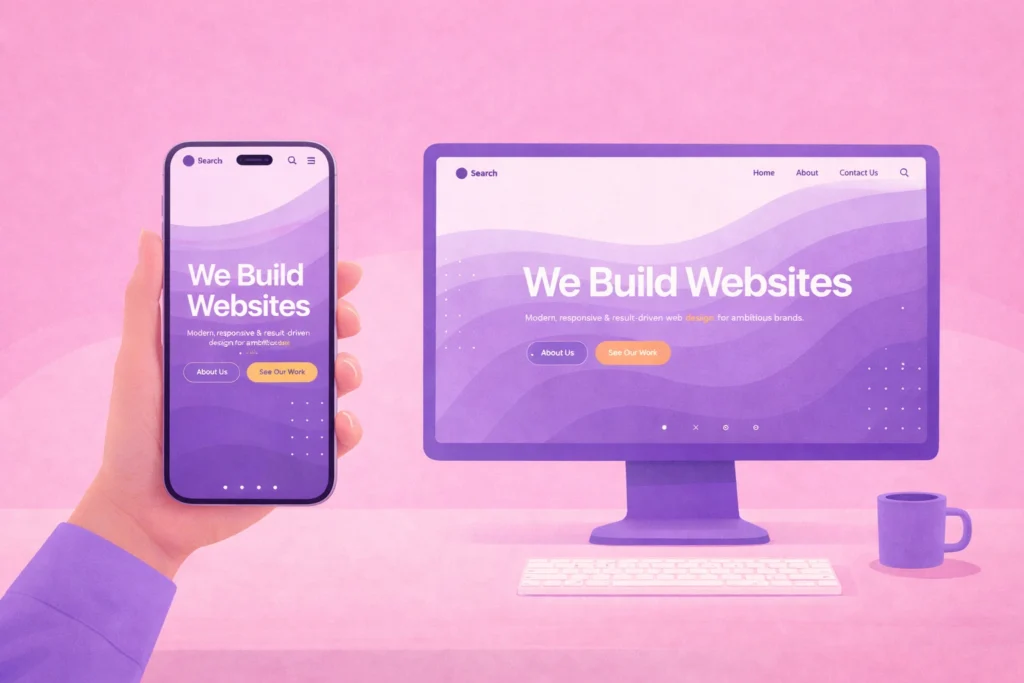
Most users are browsing on their phones.
If your website is slow or hard to use on mobile, they leave immediately.
Keypoint: Speed + mobile experience directly affect conversions.
What to do:
- Optimize images
- Use responsive design
- Test across devices
7. Guide the User Step-by-Step
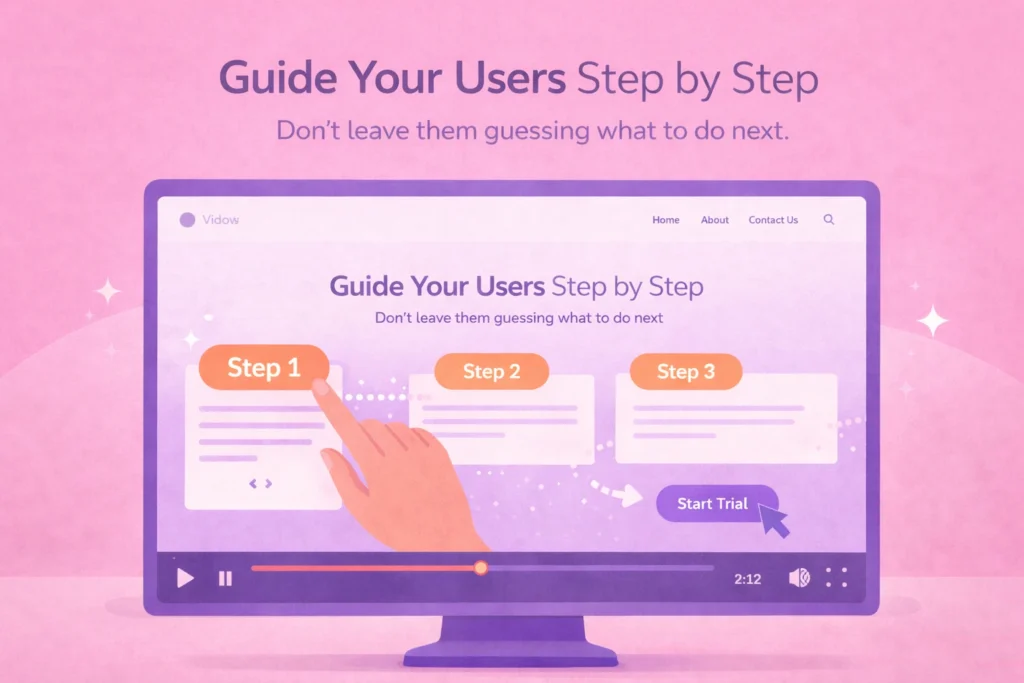
Don’t leave users guessing what to do next.
Guide them clearly.
Simple user journey:
- Land on your website
- Understand your service
- See proof
- Click CTA
- Contact you
Keypoint: A smooth journey increases conversions.
Final Thoughts
A website that converts is not just about design –
it’s about clarity, trust, and ease.
When users:
- Understand quickly
- Feel confident
- Know what to do
They take action.
Quick Conversion Checklist
- Clear first impression
- One goal per page
- Strong CTA
- Trust elements
- Clean design
- Fast & mobile-friendly
- Guided user journey
Make Your Website Work for You
Your website should not just look good, it should bring results.
Small UX improvements can make a big difference.
Keypoints: If your website is not converting visitors into clients, it might not be just a design issue – it’s a UX problem.
At Hapx Digital, we design websites that are not just visually appealing, but focused on user experience and real results.
Your website should work as hard as you do.
Stop losing potential clients to poor UX. Let’s build a website that converts visitors into paying clients — starting today.
Frequently Asked Questions!
What is Google AI Mode?
Google AI Mode is a new search experience where Google uses Artificial Intelligence to answer users’ questions directly on the search results page.
Is SEO still important with Google AI Mode?
Yes. SEO is still important, but the focus is now on creating useful, trustworthy, and people-first content.
How can I optimize my website for AI search?
Create helpful content, answer common questions, improve website speed, use long-tail keywords, and keep your information updated.
Does Google AI Mode reduce website traffic?
It may reduce clicks for some searches because users can get answers directly on Google. However, websites with high-quality content still have a strong chance of being featured.
What type of content works best in AI search?
Detailed guides, FAQs, tutorials, case studies, and content that clearly answers users’ questions tend to perform well.
Can small businesses benefit from Google AI Mode?
Absolutely. Small businesses that publish useful and trustworthy content can improve their visibility and reach more potential customers through AI-powered search.